Space
Review the availability, pricing and terms of the office or industrial spaces on your account. Space availability and deal status remain separate.
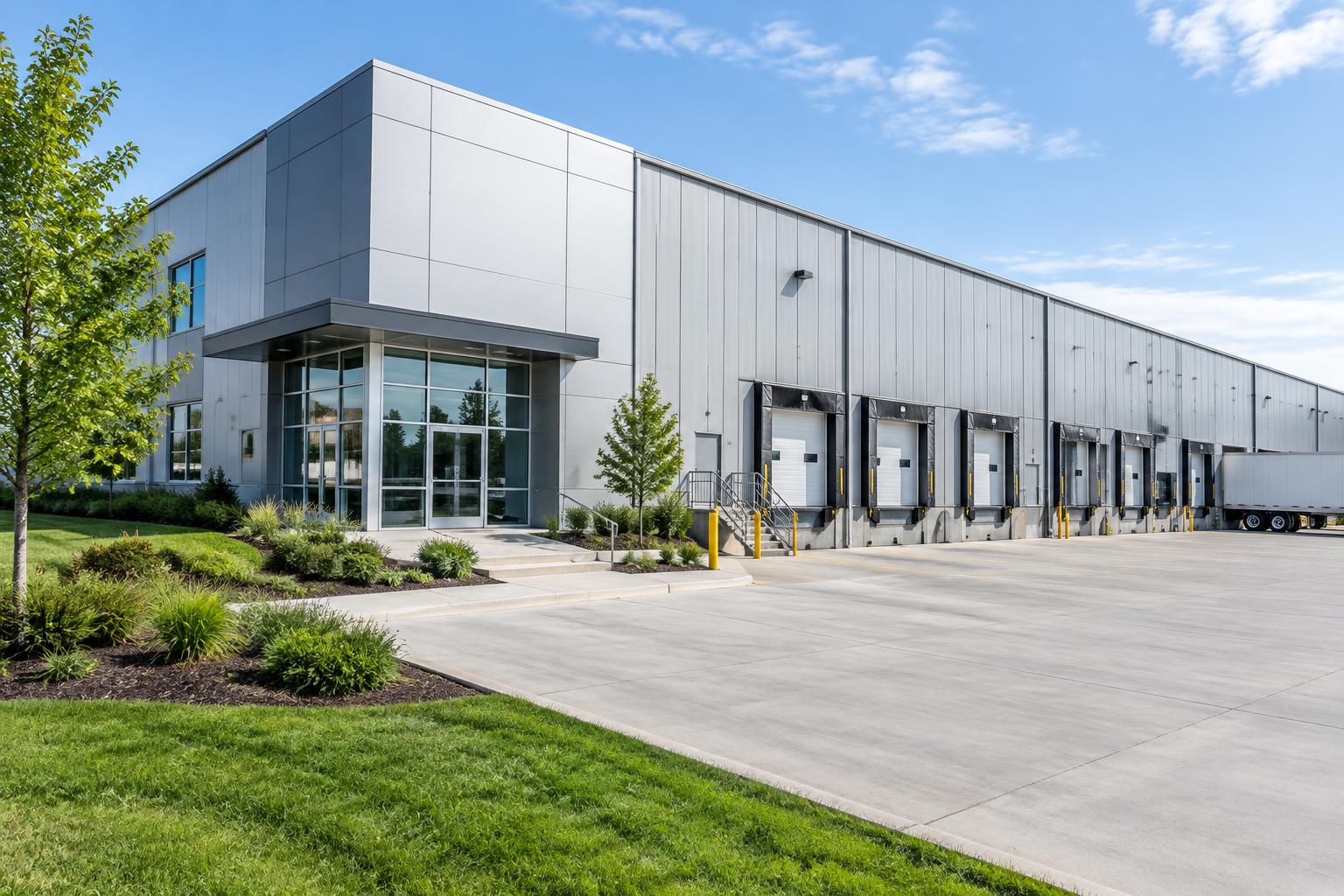
Running a property and closing a lease are different jobs. TROT connects applications, approvals and online checkout for office and industrial owners—alongside the tools you already use to operate your buildings.
For office and industrial owners and their brokers.
Choose the tool for the job
An owner evaluating commercial property management software may need accounting, maintenance or building operations. An owner with a prospect ready to apply needs a different workflow: collect the business information, review the request, approve the deal and move it to signing and payment.
Keep your existing tools for maintenance, work orders, budgeting and accounting. TROT is not a replacement for those operational systems.
Organize selected spaces, tenant invitations, application documents and deal review. Approved requests proceed to the connected checkout for signing and payment.
Review the availability, pricing and terms of the office or industrial spaces on your account. Space availability and deal status remain separate.
Connect a prospect's company profile, requested documents and space request. Your authorized team reviews the submission before it moves forward.
Read the payment information supplied by the connected checkout. A tenant charge, a future installment and money paid out to an owner are different records—not interchangeable labels.
TROT fits owners who want to bring the application and closing process for office and industrial deals online without replacing their brokers or existing marketing. It does not source tenants or manage the building for you.
Before choosing software, identify where your team loses the thread: collecting documents, reviewing requests or following the closing steps. Then ask for a walkthrough of that exact workflow—not just a list of features.
See the connected process
Watch the 30-second owner overview: applications, documents, approvals, signing and payment.
Continue exploring
Talk through where applications, approvals and checkout fit into your existing property workflow in a 10-minute chat.